Code and Canvas: How AI Is Changing the Way Design Gets Done
A design lead's fight to keep Figma sparked a heated debate among designers. Here's what the data says about how design workflows are changing, and what it means if you're hiring someone to design your website.
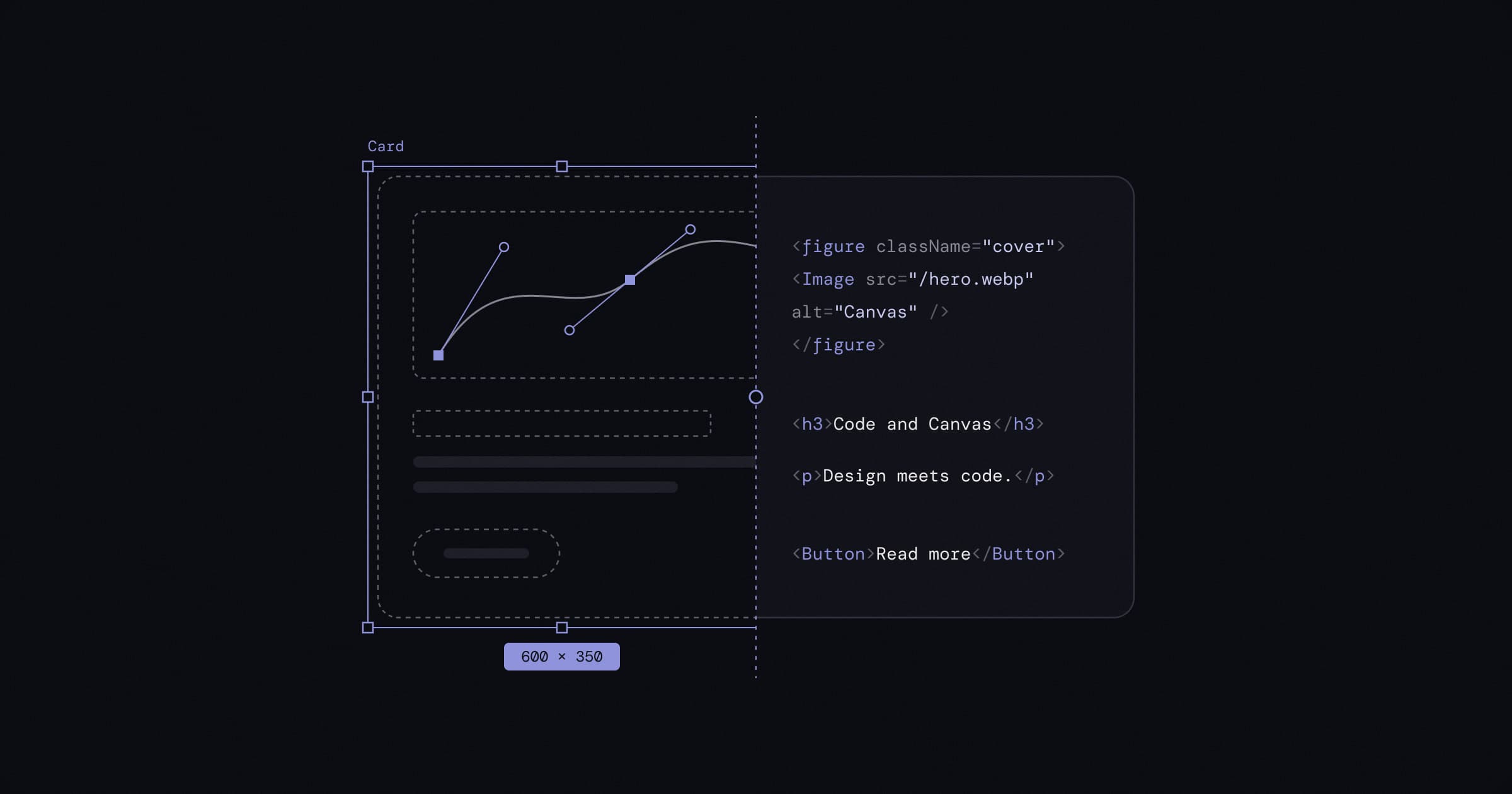
A design lead recently shared a story in Reddit's r/FigmaDesign community that struck a nerve. For a year, they'd made the case to leadership for keeping Figma in their process. Leadership wanted to speed things up by having AI agents work directly in code and skipping Figma altogether. The design lead lost that argument, and felt their software vendor hadn't helped them win it.
The replies split designers right down the middle. Some said Figma's best days are behind it. Others said that dropping the design canvas means dropping the thinking that happens there. Most were somewhere in between, quietly rebuilding how they work.
We design websites for a living, so we read the whole thread. Here's what designers are arguing about, what the data actually shows, and what it means for you if you're hiring someone to design your site.
Two camps, one question
The question underneath the thread is simple: now that AI can turn an idea into working code in minutes, where should design happen?
The code-first camp argues that a separate design step has become a detour. Several designers said they now work directly in code, with their design system connected, and barely open a design tool. One design manager said Figma had become little more than the place where component specs live, since the components themselves already exist in code. Others pointed out that prototypes used to take days to build, which is why designers mocked them up first. Now they don't.
The canvas camp argues the opposite. A canvas lets you lay out many ideas side by side, compare them, and change direction cheaply. Building straight in code tends to lock you into the first idea that works. As one designer put it, they'd rather keep the ability to "compare concepts" and experiment than settle on "one attempt built on code." Others pointed to collaboration: sending a link, knowing everyone sees the same version, leaving comments on a specific spot, and rolling back changes.
A few replies raised costs that rarely come up. One warned that AI usage is cheap today partly because it's subsidized, and that heavy prompting could cost far more later. Another made the point that when leadership says "skip Figma," it sometimes really means "skip design."
What the data says
The thread is a snapshot of strong opinions. Survey data gives a calmer picture, and it suggests both camps are partly right.
Figma's 2026 AI report, based on 8,403 survey responses and 639 interviews across ten countries over three years, found that roles are blurring fast. The share of designers who take part in development rose from 21% to 41%. The share of developers who do design work rose from 44% to 60%.
The canvas hasn't gone anywhere, though. The same report found that 76% of product builders still do at least half of their work on the canvas, and even one in five developers would rather start a project there. And 90% said design is at least as important as it was before AI, with nearly six in ten saying it matters more.
The business numbers don't look like a tool in decline either. In its second-quarter 2026 results, Figma reported revenue of $370.1 million, up 48% from a year earlier, and said more than 80% of its customers paying over $10,000 a year were using its AI features every week.
The tools are meeting in the middle
The biggest shift isn't designers choosing code over canvas. It's the tools on both sides reaching toward each other.
From the canvas side, Figma has spent the past year connecting its files to code. In June 2025 it released an MCP server that gives AI coding tools like Cursor and Claude Code direct access to a design's components, variables and layout. In February 2026, Figma and Anthropic launched Code to Canvas, which turns an interface built with Claude Code back into editable Figma layers. At its Config 2026 conference in June, Figma added code layers, which turn any design layer into working, interactive code right on the canvas, along with built-in motion design.
Figma's CEO Dylan Field framed it this way at Config: the idea of "design versus code" is a false debate, and code is simply another design material. He also argued that AI "has lowered the floor" but "has not raised the ceiling," and that raising the ceiling is still the designer's job.
From the code side, AI companies are moving into design. In April 2026, Anthropic introduced Claude Design, which can build a team's design system by reading its codebase and design files, produce prototypes and mockups, and hand the result to Claude Code to build.
The frustration in the thread is real, too. Some features that connect Figma to code, such as Code Connect, require a paid Full or Dev seat, which is part of why teams feel squeezed when budgets get reviewed.
We've been here before
Design tools have turned over before. Web designers moved from Flash and Dreamweaver to Photoshop, then to Sketch, then to Figma. Each time, people who'd built their workflow around the old tool felt the ground move. In 2023, Adobe's $20 billion plan to buy Figma was called off after pushback from European and UK regulators, a sign of how central Figma had become.
One reply in the thread offered the most useful advice: decouple your identity as a designer from any single app. UI design didn't start with Figma, and it won't end with it. The tools will keep changing. The job of figuring out what to build, and making it clear, useful and good to use, stays the same.
What this means for your website
If you're a business owner, you don't need an opinion on Figma. But the debate does tell you what to look for when you hire someone to design or build your site:
- Ask how they explore ideas. A good process looks at more than one direction before committing. AI makes the first version cheap, which makes it tempting to stop there.
- Ask how design and build connect. The best results come when the design system (colors, type, spacing, components) lives in the code itself, so what you approve is what gets built.
- Be wary of skipping design to save time. Speed matters, but a site that loads fast and looks generic still loses customers to one that's clear and trustworthy.
- Look at the finished work, not the tools. Whether someone uses Figma, code, AI or paper matters far less than whether your site is fast, easy to use and brings in business.
How we work at WebTempo
We use both, and we choose the tool based on the job. For our own new site, we designed the custom graphics in Figma, animated them with Figma Motion, and used Claude to bring them to life in code. Exploring on the canvas let us try ideas quickly. Building in code made them fast, responsive and easy to maintain.
That's the approach we bring to client websites: explore broadly, decide together, then build it properly. If you're planning a new site or a redesign, let's talk. Or start by running our free website audit to see how your current site performs.
Sources
- Reddit, r/FigmaDesign: I defended Figma in front of leadership and got zero support for it (October 2026)
- Figma: Figma's 2026 AI Report: Can AI help us collaborate better?
- Figma: Figma announces second quarter 2026 financial results (August 5, 2026)
- Figma: Introducing our MCP server: Bringing Figma into your workflow, Jake Albaugh (June 4, 2025)
- Figma: The future of design is code and canvas, Dylan Field (February 17, 2026)
- Figma: Config 2026: New materials, new tools and a more expressive canvas, Dylan Field (June 24, 2026)
- Figma Help Center: Code Connect
- Anthropic: Introducing Claude Design by Anthropic Labs (April 17, 2026)
- Adobe: Adobe and Figma mutually agree to terminate merger agreement (December 18, 2023)
- Bloomberg Law: Adobe and Figma terminate $20 billion deal after regulator clash (December 18, 2023)